
You send your logo to a printer, and the result comes back blurry, pixelated, or just… off. It’s a frustrating experience we see regularly at Dr. Tee’s Design & Screen Printing, and it almost always traces back to the same issue: the customer doesn’t have a vector logo. If you’ve been asked for one and weren’t sure what that meant or where to find it, you’re not alone.
A vector logo is built differently from the images you’re used to seeing on your phone or computer screen. That difference matters, a lot, especially when your logo is going on custom screen-printed shirts, embroidered polos, or business cards. After 20+ years of printing and designing for Kansas City businesses, we can say this with confidence: your logo file type affects the quality of everything your brand touches.
This article breaks down exactly what a vector logo is, how it differs from standard image files, how to tell which type you have, and what to do if you need one created.
Why vector logos matter for print and embroidery
When your logo goes on a printed t-shirt or embroidered polo, the printer or embroidery machine needs precise, clean lines to work from. A vector logo gives them exactly that. Unlike photos or screenshots, a vector file contains mathematical instructions that tell the software exactly where every line, curve, and color begins and ends. That means no guessing, no interpreting fuzzy edges, and no quality loss in the final product.
If your printer has to “clean up” your logo before production, you’re paying more and risking a result that doesn’t match your brand.
Scaling without losing quality
One of the most practical reasons you need a vector logo is unlimited scalability. You might need your logo printed small on a business card and large on a banner at the same outdoor event. A vector file handles both without any degradation because the math behind the image recalculates at every size. Raster images (like JPEGs or PNGs) stretch and blur when you enlarge them, which is why they fall apart when used for large-format printing.
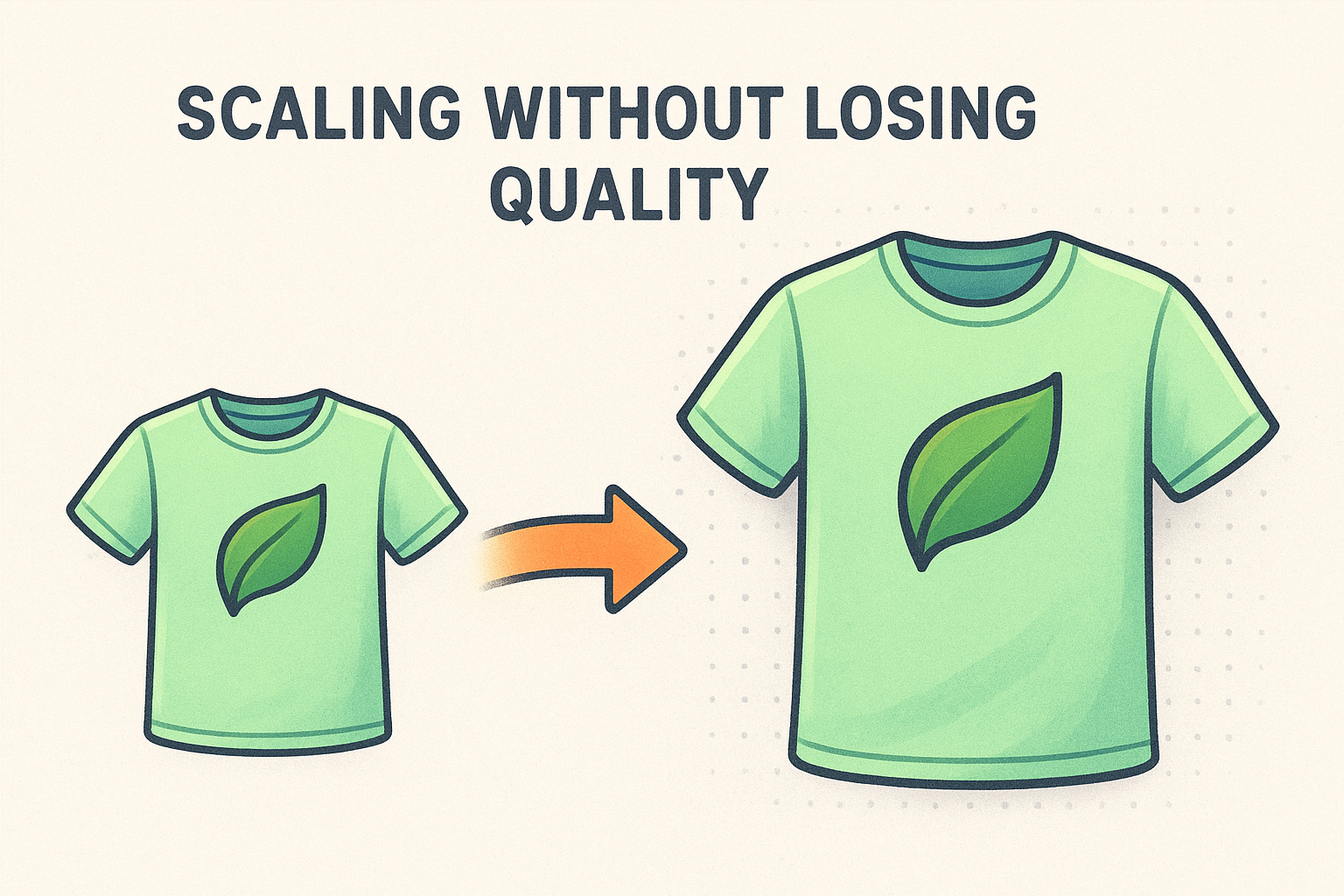
Your logo represents your business, and a pixelated version on a 2XL shirt tells customers something you probably don’t want them to think.
Color accuracy in screen printing
Screen printing lays down one color at a time, which means the printer separates your logo into individual color layers before production begins. A vector file makes that process clean and exact because every color region is a clearly defined shape. When a printer works from a raster image, they often have to manually trace your logo to separate the colors, which adds time, cost, and the possibility of small errors creeping in.
At Dr. Tee’s, we work with up to 8 colors per design, and having your logo in vector format from the start makes that process faster and more accurate for you.
Vector vs raster logos in plain English
Understanding what is a vector logo becomes clearer when you compare it directly to its opposite. Raster images are built from tiny colored squares called pixels, arranged in a grid. Every photo on your phone is a raster file. Zoom in far enough, and those squares become visible, which is why images blur and break apart when you stretch them.
What makes vector different
A vector file describes your logo using math rather than pixels. It stores instructions like “draw a curve from this point to that point in this color.” Your computer recalculates those instructions at every size, so your logo stays sharp whether it appears on a business card or a large banner without any quality loss.
The practical difference: a raster logo falls apart at 200% zoom; a vector logo looks identical at 2000%.
Why this matters for your brand
When you hand a raster file to a printer or embroiderer, they’re working with limited data. Edges can appear soft or jagged, especially at larger print sizes.
A vector file gives them exact lines and defined color fills. That’s what production equipment needs to reproduce your logo accurately and consistently across every garment or printed item you order.
Common vector formats and what to send a printer
When someone asks you for a vector file, they’re usually referring to one of three specific file extensions: .AI, .EPS, or .SVG. These are the formats that design software like Adobe Illustrator produces, and they’re the ones professional printers and embroiderers expect to receive. A PDF can also work if it was exported directly from a vector program with the artwork fully embedded as vector data rather than flattened into pixels.

Which format to send
For screen printing and embroidery, an .AI or .EPS file is the safest and most widely accepted choice. These formats preserve every layer, color, and shape exactly as your designer originally built them, leaving no room for misinterpretation during production. If your printer uses modern software, an .SVG file works well too, particularly for digital and promotional printing applications.
When in doubt, ask your printer which format they prefer before you dig through old files or contact your designer.
If you’re still working through what is a vector logo and which file type you actually have, a straightforward rule applies: if your file ends in .jpg, .png, or .gif, it is not a vector file. Those are raster formats. Sending a raster file to a printer as a replacement will produce the same quality problems discussed earlier in this article.
How to tell if your logo is a vector
You can check whether your logo is a vector before you ever contact a printer. Knowing what is a vector logo makes the process easy: vector files store math-based instructions, not pixel data, so they behave differently in two testable ways.
Check the file extension
Look at the file name extension first. Vector files typically end in:
- .ai (Adobe Illustrator)
- .eps (Encapsulated PostScript)
- .svg (Scalable Vector Graphics)
- .pdf (only when exported directly from a vector program)
If your file ends in .jpg, .png, .gif, or .bmp, it is a raster file and will not print cleanly at large sizes.
A vector extension does not guarantee vector artwork. A raster image saved inside an .svg or .pdf is still raster.
Zoom in on the artwork
Open your logo and zoom in past 400 percent. A vector file keeps sharp, defined edges at any magnification, while a raster file will show blurry edges or visible pixel blocks as you increase the zoom. This quick test works in most design programs and in any standard PDF viewer.
Your screen printer or embroiderer can also confirm the file type by opening it and checking for editable vector paths versus a single flat image layer.
How to get a vector version of your logo
If you already understand what is a vector logo but don’t have one, you have two reliable paths forward. Neither requires you to learn design software yourself, and both can produce a print-ready file that works for screen printing, embroidery, and any other branded application you need.
Ask your original designer
Your logo designer should have kept the original source files when they completed your project. Reach out and ask specifically for an .AI or .EPS file. Most professional designers include these as a standard deliverable, and many will send them at no additional charge if they built your logo properly from the start.
If a designer says they can only provide a PNG or JPEG, they either built the logo in raster software or no longer have the original files.
Have it recreated from scratch
When original source files are unavailable, a graphic designer can rebuild your logo as a clean vector file using your existing image as a reference. This process is called a vector trace or redraw, and it produces a fully editable file that prints cleanly at any size. At Dr. Tee’s, our design team handles this regularly for Kansas City businesses that arrive with only a low-resolution image and need something production-ready.

Next steps for your logo
Now that you understand what is a vector logo and why it matters, the next move is straightforward: check your files and confirm what you have. If you find a .ai, .eps, or .svg file, you’re in good shape for screen printing and embroidery. If your only option is a JPEG or PNG, reach out to your original designer for the source file, or have it redrawn into a clean vector before you place your next order.
Getting this right upfront saves you time, money, and the frustration of reprints that don’t match your brand. Whether you need a logo created from scratch or a vector redraw of an existing mark, Dr. Tee’s Design & Screen Printing handles both for Kansas City businesses of all sizes. Start with a quote and get your branded apparel done right with a team that’s been doing this for over 20 years.
