
Getting an exact color match on a custom screen print job isn’t guesswork, it’s chemistry. The International Coatings ink mixing system gives screen printers a structured way to mix precise Pantone colors from a base set of inks, eliminating the need to stock hundreds of individual colors. At Dr. Tee’s Design & Screen Printing, we’ve relied on this system across over 20 years of printing in Kansas City, and it’s one of the reasons we can match your brand colors accurately, whether you’re ordering 12 work shirts or 1,000.
This article breaks down how the system actually works, from the UltraMix 7500 series to the Pantone matching software that drives it. You’ll learn what’s included in a mixing kit, how the color calculator functions, and where to get started if you’re looking to use it in your own shop.
Why Pantone mixing matters for screen printers
When a client hands you a brand style guide and asks you to match their logo color exactly, you have two options: guess and hope, or use a proven color matching system. For screen printers, Pantone colors are the industry standard for communicating exact hues across print, digital, and physical materials. Without a mixing system, you’d need to stock a separate pre-mixed ink for every Pantone color a client might request, which is both expensive and impractical.
The cost problem with pre-mixed inks
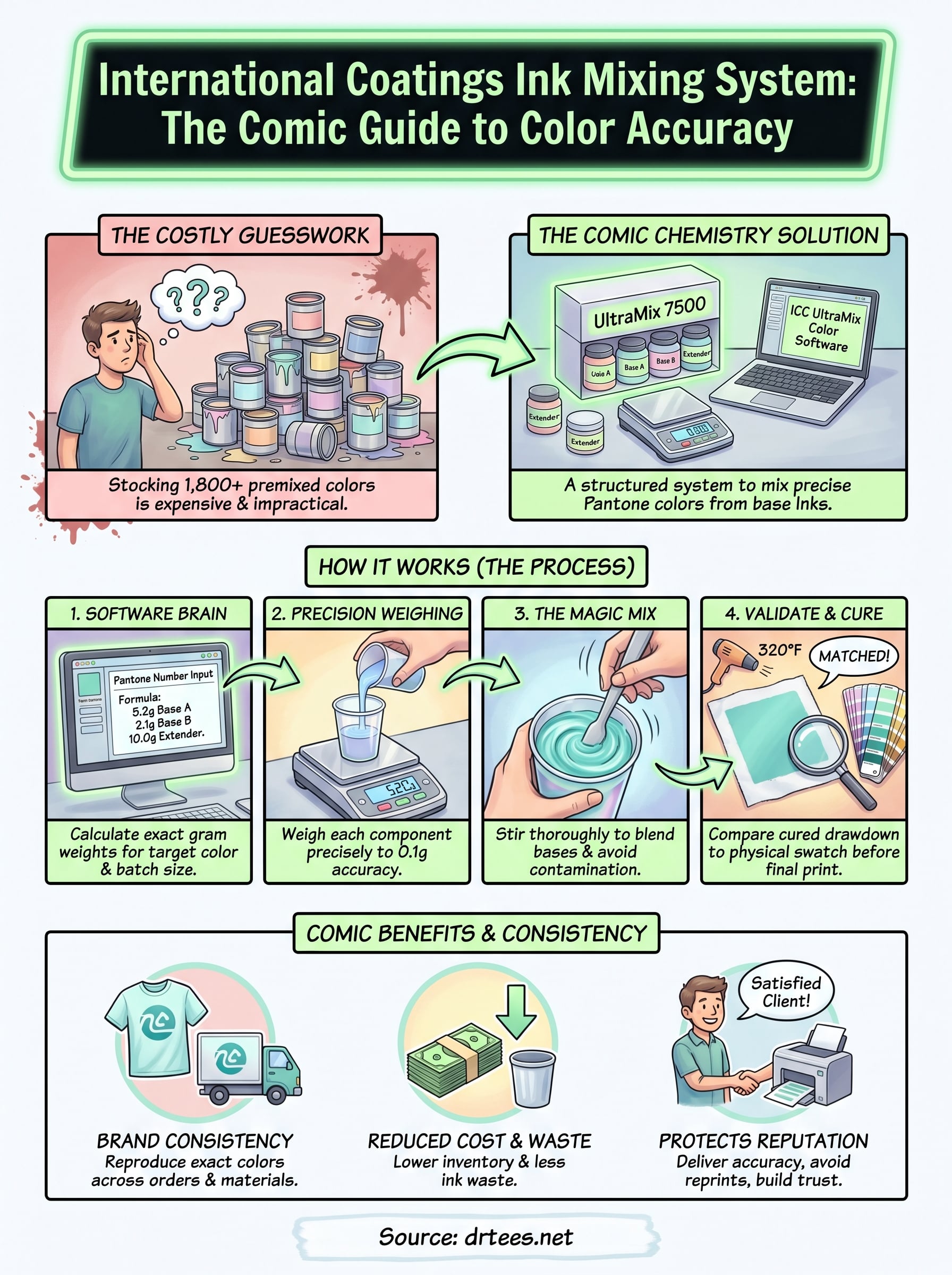
Stocking pre-mixed inks for every possible Pantone color isn’t realistic for most shops. There are over 1,800 Pantone colors in the standard matching system, and buying a ready-made container for each one would cost thousands of dollars before you printed a single shirt. The international coatings ink mixing system solves this by giving you a manageable set of base inks you can combine to hit any target color.
Mixing from a base set reduces your ink inventory to a fraction of what pre-stocking would require, while still giving you access to hundreds of accurate Pantone matches.
Color accuracy and brand consistency
Your clients care about brand consistency. A construction company ordering work shirts for 50 employees wants the same red on those shirts as they have on their trucks and business cards. A dental office wants their teal logo color to look identical on polo shirts, tote bags, and promotional items. Pantone mixing gives you the precision to deliver that, print after print, order after order, rather than eyeballing a color and hoping the batch looks right.
Beyond client satisfaction, accurate color matching protects your reputation as a printer. Rejected orders and reprints eat into your margins fast. When you build a match through a validated mixing formula, you can reproduce that color on a future order without starting from scratch, saving both time and ink waste.
What the UltraMix 7500 system includes
The UltraMix 7500 system from International Coatings is built around a set of concentrated base inks designed specifically for mixing Pantone colors in plastisol screen printing. The kit gives you the building blocks to hit hundreds of target colors without stocking a wall of pre-mixed containers.
The base inks and mixing components
The core of the international coatings ink mixing system is a set of 14 to 16 base mixing inks, each one a concentrated color that blends predictably with the others. These include primary and secondary mixing bases alongside transparent extenders that let you control opacity and tone. You weigh each component using a digital gram scale and follow the formula the software provides.
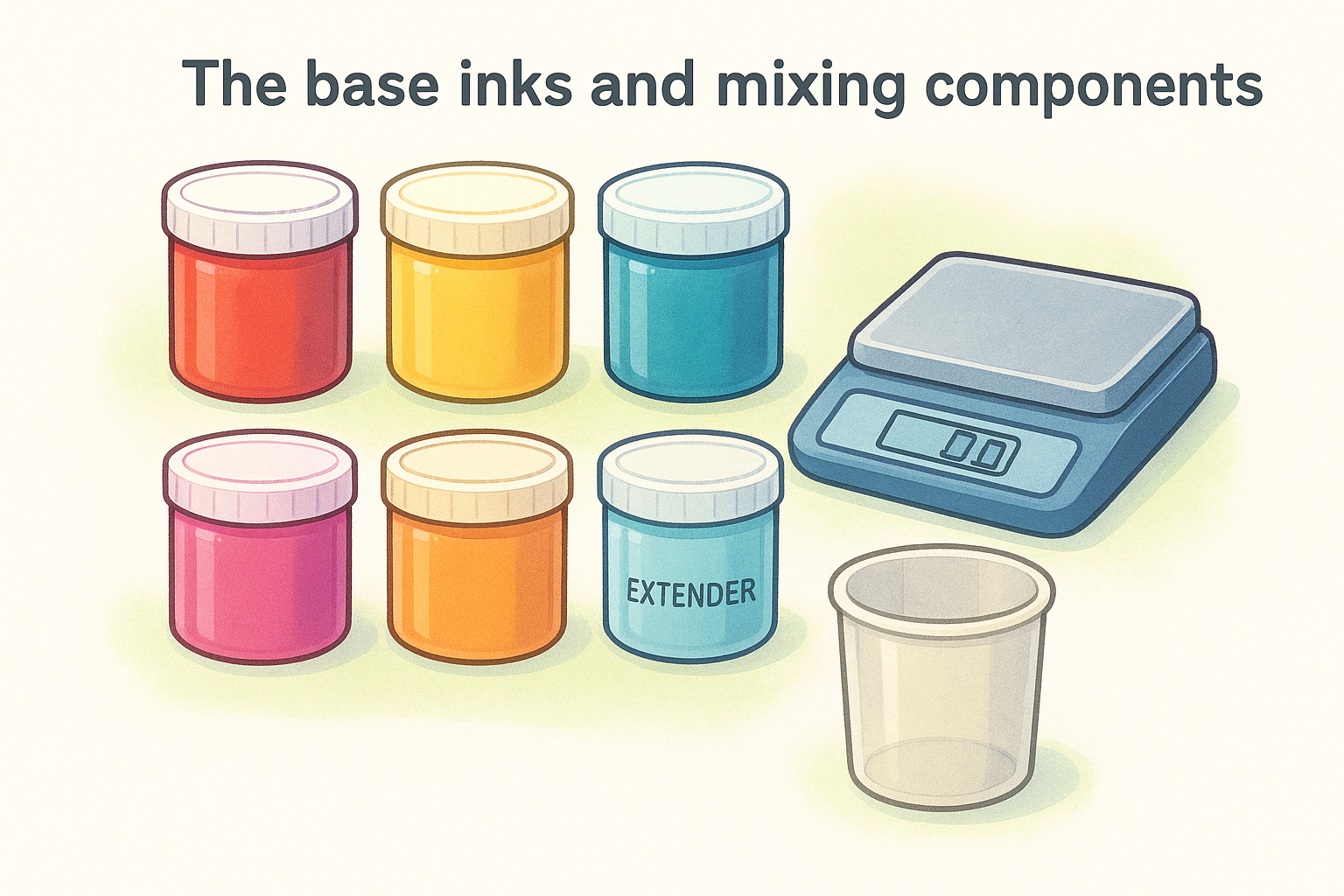
Getting the weight measurements right is critical – even a small deviation in grams can shift the final color outside an acceptable Pantone tolerance range.
Beyond the base inks, the system also requires mixing containers and a calibrated scale accurate to at least 0.1 grams. International Coatings sells starter kits that bundle the bases together, which gives you everything you need to begin mixing from day one without sourcing each component separately.
How the ICC UltraMix color software works
The UltraMix software is the brain behind the international coatings ink mixing system. You type in a target Pantone color number, and the program calculates the exact gram weights for each base ink you need to combine. No estimation, no test batches wasted before you land on the right result.
The software removes the manual calculation step that used to cost printers significant time and material on every new color job.
Entering a Pantone number and reading the formula
When you open the software, you search by Pantone color number directly. The program returns the complete mixing formula for that color, listing each base ink alongside the precise gram weight you need to pull from your inventory.
Once you have the formula, you can save it to your job records for future reprints of the same client order. Keeping those formulas on file means you can reproduce an exact color match months later without starting the lookup process over from scratch.
Scaling for your batch size
The software also lets you scale the formula based on how much ink your specific job requires. You enter a target batch weight, and the calculator adjusts every individual base ink weight proportionally, keeping the ratios locked in regardless of whether you’re mixing a small test batch or a full production run.
How to mix and validate a Pantone match
Once you have your formula from the international coatings ink mixing system, the actual mixing process is straightforward if you follow each step in order. Pull the base inks you need, zero your scale between pours, and add each component into your mixing container by weight. Work slowly on the final few grams to avoid overshooting your target.
Combining and stirring the bases
After you add every component, stir the mixture thoroughly for at least two to three minutes. Use a flat mixing spatula so you can work along the sides and bottom of the container consistently.
- Zero the scale before each pour
- Add heavier bases first, then lighter components
- Scrape the spatula clean between bases to avoid cross-contamination
Checking the match before you commit
Pull a drawdown on the actual substrate you plan to print on, cure it, then compare it directly against a physical Pantone swatch under consistent lighting.
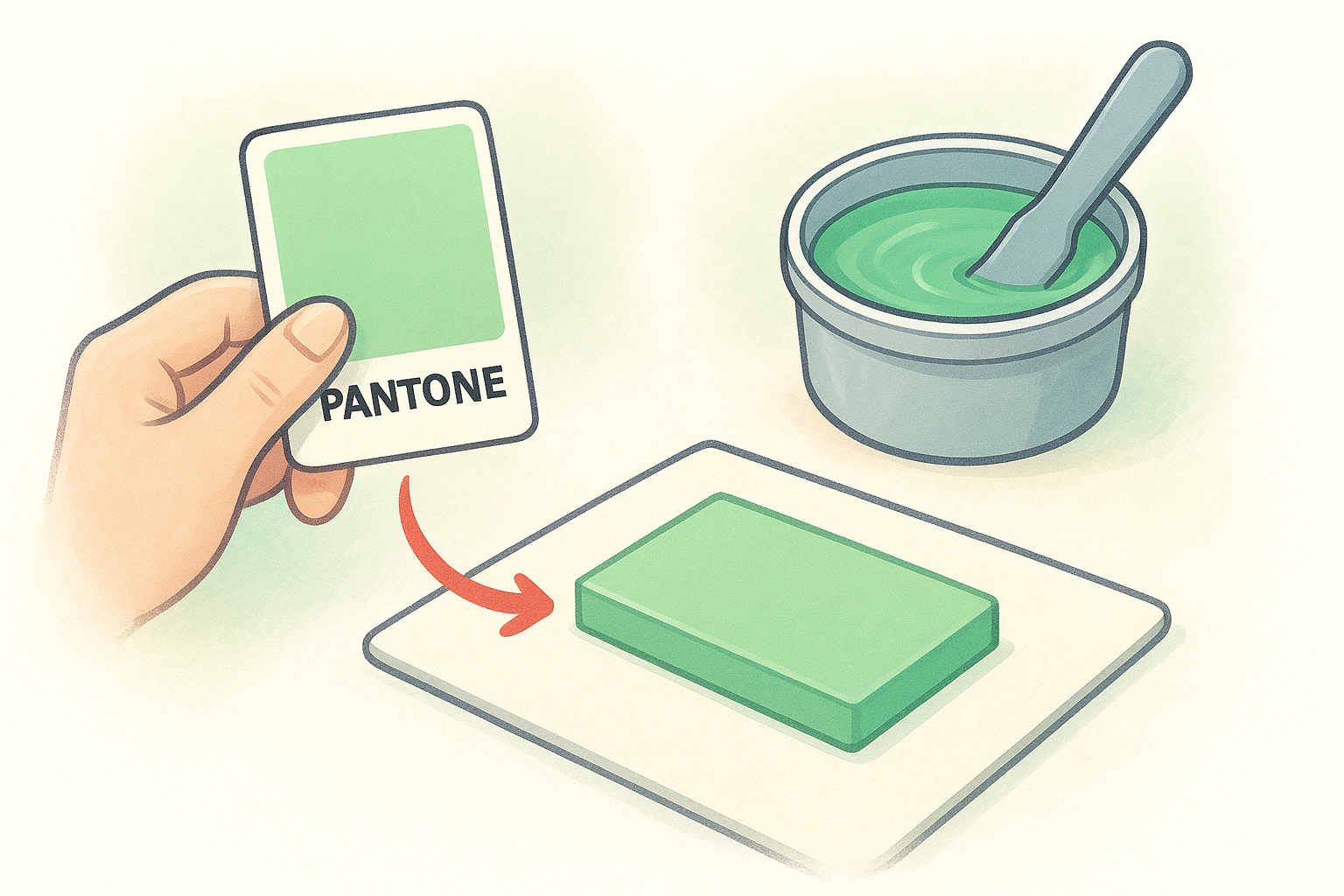
Always compare against a physical swatch, not a digital color on your monitor, since screens display color differently than cured plastisol ink.
Don’t record your formula as final until the cured drawdown passes the comparison. Log the approved formula with your job file so you can reproduce the match on future orders without repeating the validation process.
Printing and curing tips for consistent results
Mixing the ink accurately is only half the job. How you print and cure that mixed ink determines whether the final color on the garment matches your validated drawdown or shifts on press.
Control your print variables
Mesh count and squeegee pressure both affect how much ink deposits on the garment, which directly changes how the color reads after curing. Use the same mesh count you ran your drawdown test on, and keep your squeegee angle and pressure consistent across every stroke in the run.
- Use a 160 mesh for standard plastisol coverage
- Keep squeegee pressure even from the first print to the last
- Run a test print at the start of each new setup before committing to the full job
Cure temperature and color shift
The international coatings ink mixing system formulas are developed for plastisol inks that cure at 320 degrees Fahrenheit. Under-cured ink looks duller than your approved swatch, and over-cured ink can yellow lighter colors or push cool tones in an unexpected direction.
Use a donut probe or laser thermometer on your dryer belt to verify actual garment surface temperature, not just the dryer’s dial setting.
Check the first cured print against your approved drawdown before you run the full batch to catch any temperature drift early.
Next steps for your next color match
The international coatings ink mixing system gives you everything you need to match Pantone colors accurately, but the system only works when you execute each step consistently, from weighing your bases correctly to validating your cured drawdown before you run the full job. Whether you’re setting up a mixing station for the first time or refining your current workflow, following the steps in this article will reduce reprints and give your clients the color accuracy they expect on every order.
If you’d rather hand the color matching and printing work to an experienced shop, Dr. Tee’s Design & Screen Printing has handled custom apparel jobs in Kansas City for over 20 years. You get accurate color, fast turnaround, and a low minimum order starting at just 12 pieces. Get a quote for your next order and tell us the Pantone colors you need matched.
